

How to Install the Diwa Fun App on Android
One verified Android file, on a phone you control, with unknown-source access turned off again afterwards.

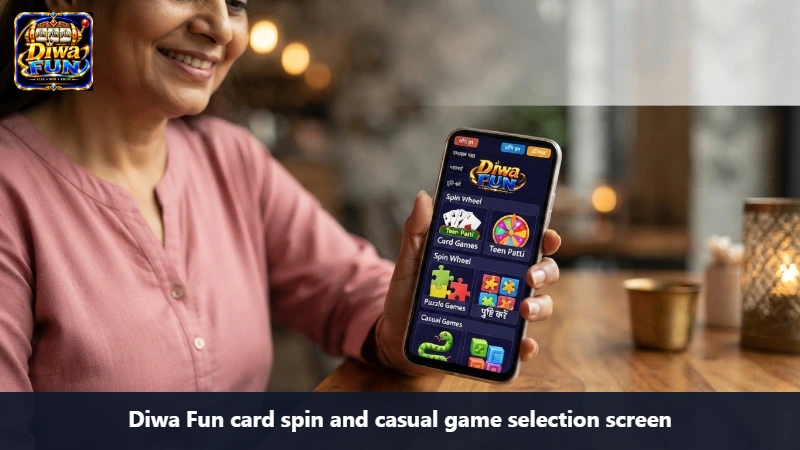

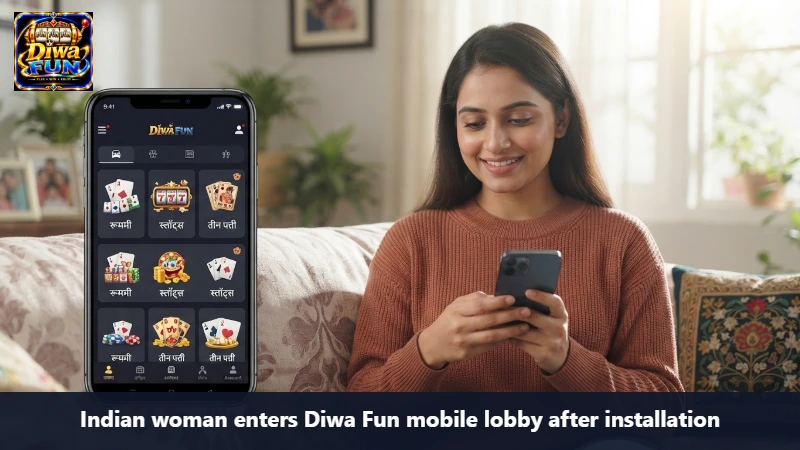
Prepare the phone before the file
Install Diwa Fun only if you are an adult and play is allowed where you are. Use a phone you own. Update Android, free some storage, charge the battery, and close heavy apps. A rushed install on a borrowed handset is how a file outlives the visit you meant to take.
Download from the button on this guide. Do not take a package from a chat, a shortened mirror, or a message that says it is lighter. A modified file can ask for contacts, SMS, or remote control. Stop if it does.
- Confirm you may play — Age 18 or older, and the lobby is lawful where you are.
- Check the destination — Use the button on this install guide, not an attachment.
- Make room — Free storage, update the system, and keep the screen lock on.
- Allow one installer — Permit unknown apps only for the browser or files app that holds this package.
- Install once — Reject extra permissions. Delete any failed duplicate.
- Turn the permission off — Disable unknown-app installs as soon as Diwa Fun opens.
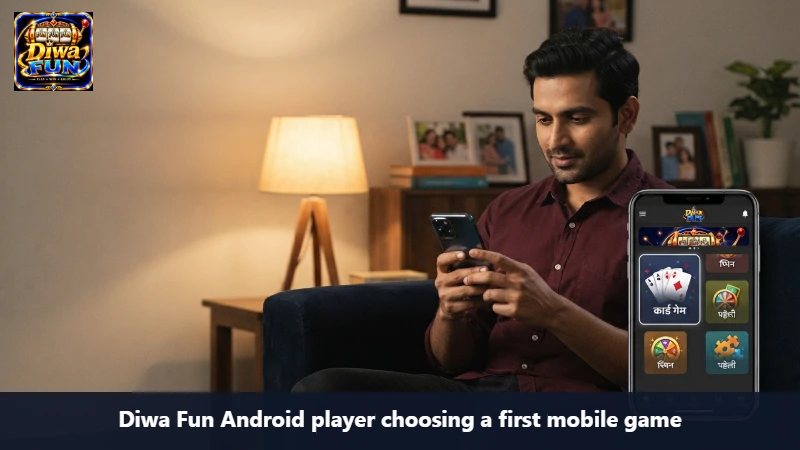
If the file will not open
One retry is enough. Check storage and the switch you turned on for that single installer. Do not roam into settings you do not understand, and do not disable system protections to force a package through. If it still fails, stop. The lobby will still be a bad idea on a phone you have just made less safe.
After a clean open, sign in with one number you can read. The bonus guide comes later, only if a card is actually there. The game guide comes after you know the stake line.
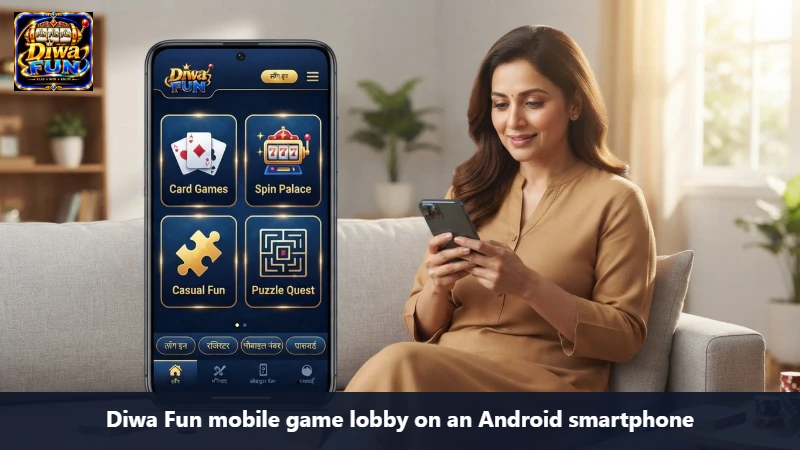
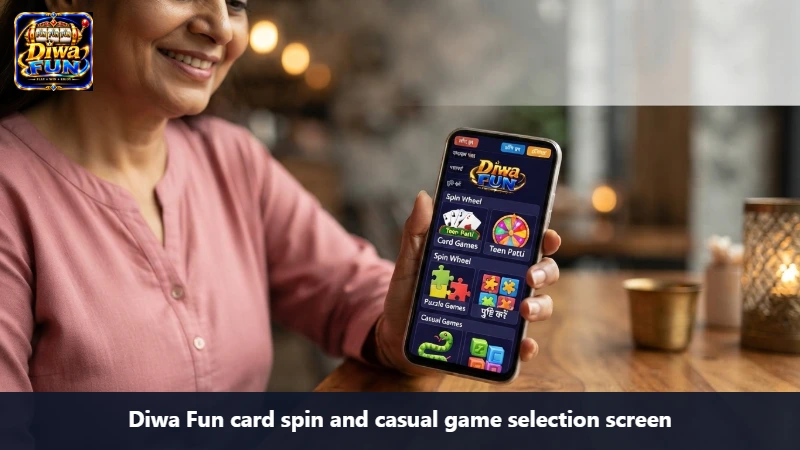
The phone is part of the decision
Installing Diwa Fun changes a handset, not only an evening’s entertainment. The package will sit beside messages, banking, and photographs. Use a phone you control. If the phone is shared, the icon will be shared too. A limit you set for yourself does not automatically bind the next person who unlocks the device. If you cannot keep the phone private after install, do not install.
Update the system, free real storage, and charge the battery before you fetch the file. Storage matters because a half-written package is how the wrong copy gets tapped later. Battery matters because a phone that dies mid-prompt leaves you unsure what was accepted. Keep the screen lock on. Keep system protections on. The permission this guide allows is narrow: unknown-app installation for the one tool that holds this package, then off again.
Install only if you are an adult and play is allowed where you are. A rushed setup on a borrowed handset is how a file outlives the visit you meant to take. Delay is allowed. The name will not expire overnight.
One file, from one button, then copies go
Download from the button on this install guide. Do not take a package from a chat, even one that spells Diwa Fun correctly. Do not take a package because it claims to be lighter or already configured. Modified files are a common way to ask for contacts, SMS, or remote control. If the installer requests those without a reason you understand, stop and delete the file.
After a successful install, delete failed copies and duplicate downloads. Two packages in the same folder are how a later evening installs the wrong one by habit. Habit is not verification. Prefer to delete the installer once the icon exists. The icon is the app. The leftover file is clutter with risk attached.
If the first attempt fails, retry once. Check storage and confirm the unknown-app switch applies only to the installer you used. Do not roam into settings you do not understand to force a result. A lobby is a poor reward for a less protected phone. If the second attempt fails, stop for the day.
The hour after the icon exists
When the icon is on the home screen, the install guide is finished and a different risk begins. The icon is now easier to open than this page was to read. Move it off the first screen if that helps you keep the clock you wrote, or leave it and simply do not tap it tonight. Installation is not a session. A session starts when you choose to open the lobby.
Open the app once, if you want, only to see that it is the lobby you expected, then close it. Do not deposit during that look. Money is not how you confirm an icon is real. The button you used, the absence of strange permissions, and a normal open are the checks. A changing balance is a different event under your ceiling, not under curiosity.
If someone nearby asks to try the new icon, the answer is no. A shared trial splits the one-adult profile the guides describe. Sign out if you must hand the phone over for an unrelated reason. The package can stay installed without becoming a group activity.
What you should see before the first stake
Before any stake, find the profile name, the history, and the way out. The profile name should be the person who will pay. History should be readable enough that a later question has somewhere to live. The way out should be obvious: a logout, a home, a back that does not immediately start another round. If those three are muddled, you are not ready to pay, even if the install was clean.
Read the app’s own terms far enough to know they exist and that they, not this guide, bind the account. The guide can warn that terms matter. It cannot summarise every clause. If you are not willing to be bound by terms you have not opened, do not create the account tonight. The icon does not sulk.
Only after that tour should you consider a live offer, and only with the bonus guide, and only if a card is actually on screen. Installing in order to hunt an offer is how the file becomes an errand you did not price. Price the evening first.
Leaving the installer behind on purpose
A good install ends with the extra permission off and the unknown file deleted. You should be able to describe the phone in one sentence: Diwa Fun is present, security settings look as they did before, and you have not yet decided to play. If the sentence needs a list of exceptions, undo the exceptions or uninstall.
Uninstalling is also a finished outcome. If the lobby feels wrong, or the permissions felt wrong, or you simply do not want the icon in your pocket, remove it. You do not owe the desk a reason, and you do not owe the brand a trial period. Reinstalling later is a new decision that should use this guide’s button again, not a copy a friend kept “in case.”
Write nothing financial in notes until you have actually moved money. A planned ceiling is enough. A fantasy of a result is how the install hour turns into play without a clock. Close the phone. The guide has no further step.
The morning after a night install
An icon added late should not decide breakfast. Diwa Fun can wait on the phone while you sleep, travel, or work. The install guide does not schedule a session for the next day. If the icon sits beside the bed, move the phone to another room. Inconvenience is allowed. A handset within reach is an invitation, and invitations dissolve limits before coffee.
Check nothing financial until you have decided, in daylight, whether today is even a day for the lobby. A status line can wait. So can a card. Responsibility after install looks like an ordinary morning. If you need the phone for messages, open the messages. Do not open the new icon “on the way.” On the way is a session without a clock.
If you woke certain the next round is owed, treat that certainty as noise. The package did not learn your sleep. It will not pay you for having installed it. A week later, the same icon can still be a question rather than a habit. Unused is a successful install. Open it only when the paper is written again.
A package is not a plan for the week
Diwa Fun can sit installed for days without being opened. Those days are a success of the install guide, not a delay. The guide’s job ended when the icon existed and the unknown-app switch was off. What you do with the icon tomorrow is a new decision, made with a new clock, not an obligation created by the download.
Delete a duplicate installer if one remains in the files app. Old packages are how a later tap installs the wrong build. Keep a single copy from the button on this guide, and ignore any follow-up message that offers a smaller file. Smaller is not the same as verified.
After setup, open the app once only to see the home of the lobby, then close it. That first look is not a session. Do not deposit during it. Diwa Fun can be inspected and left. Inspection does not require a stake, and a stake is not how you confirm the icon is real.
If the install fails halfway, delete the partial file before you try again. Two Diwa Fun packages in the download folder are how the wrong one gets tapped. Use the button on this guide a second time only after the first copy is gone, and only on a connection you trust.
Security settings after the icon exists
When Diwa Fun is present, confirm unknown-app installation is off for every installer you touched. Confirm system protections remain on. Confirm failed downloads are deleted. Those three checks do not improve a later result. They return the phone to the condition you had before the file arrived.
Then decide whether tonight is even a night for the lobby. The install guide cannot make that decision for you. It can only refuse to pretend that a successful setup equals a session already begun.
The hour after the icon appears
When Diwa Fun is on the phone, the install guide is finished and a different risk begins: the icon is now easier to open than this page was to read. Move the icon off the first home screen if that helps, or leave it and simply do not tap it tonight.
Unknown-app installation should already be off. System protections should still be on. None of those settings improve a later result. They only keep the phone in the condition you had before the file.
If someone nearby asks to try the new icon, the answer is no. A shared handset splits the profile the guides keep describing. Sign out if you must put the phone down.
A successful install only means the file opened. It does not mean you should play tonight. Lock the phone if the limit you wanted is already over.
Questions
No. One temporary install permission, then off again.
No. Use the destination linked from this guide.
Free space first. Do not install over a full disk.
Adults 18 and older, on a phone they control, where play is lawful.
The install is not the visit
A successful install only means the file opened. It does not mean you should play tonight. Lock the phone if the limit you wanted is already over.
18+ Safety Notice
Install Diwa Fun only as an adult, only where it is allowed, and only from the verified file. A setup guide cannot make a later result safe.